

Authentication
Nfig automatically detects login pages and asks you whether to use an integration to stay logged in, or to handle the login manually.Note: This popup will only appear when a login page is detected.
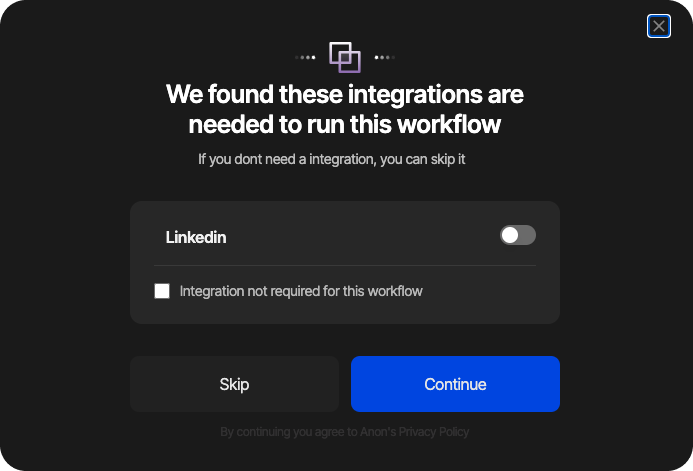
Login process
A browser plugin is required if you want the agents to stay signed in to the websites in your workflow. You’ll be automatically prompted to install it once Nfig detects a login page, or you can install it from here
Note: If you don’t install the browser plugin, you’ll have to manually sign in to the websites in your workflow.
Note: Running multiple authenticated automations on target websites will increase the risk of your accounts being flagged as bots.