> ## Documentation Index
> Fetch the complete documentation index at: https://docs.nfig.io/llms.txt
> Use this file to discover all available pages before exploring further.
# Proxy
> Nfig uses proxying to mimic the network behavior of human users and avoid account flagging.
Nfig uses geo-location based proxies to achieve persistent anonymity, reliable and consistent authentication across different websites etc.
Proxies could be disabled using the toggle on the bottom right corner of the screen if required.
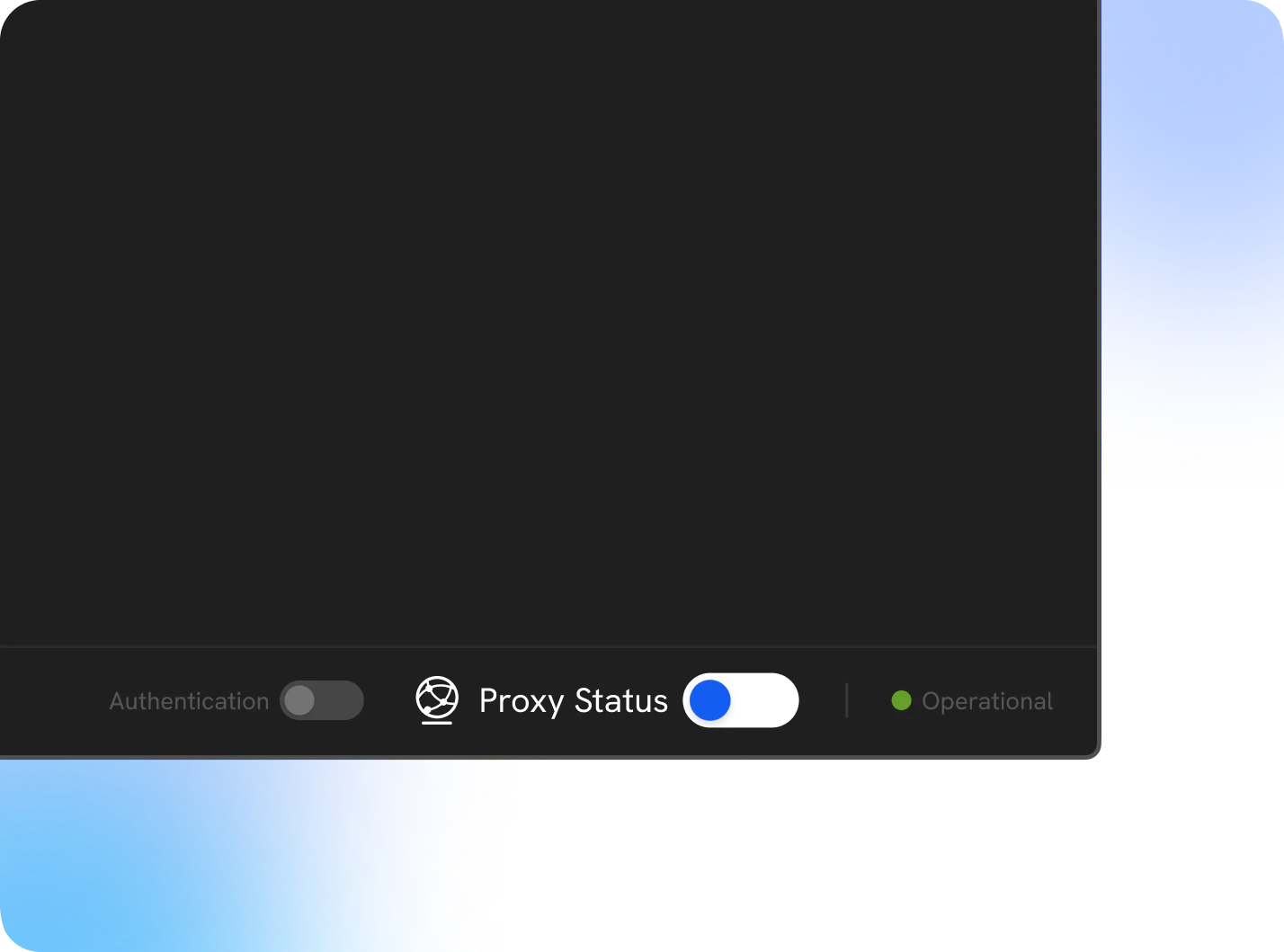 Note that this will generally decrease the reliability of your automations, as unproxied traffic could trigger bot detection. Nfig suggests using proxies for most of your workflows, and disable it only if the target website does not require it.